A seamless SOLIDWORKS Add-in for reverse engineering. Build CAD directly from your scan data with ease.
 |Try Xtract3D 2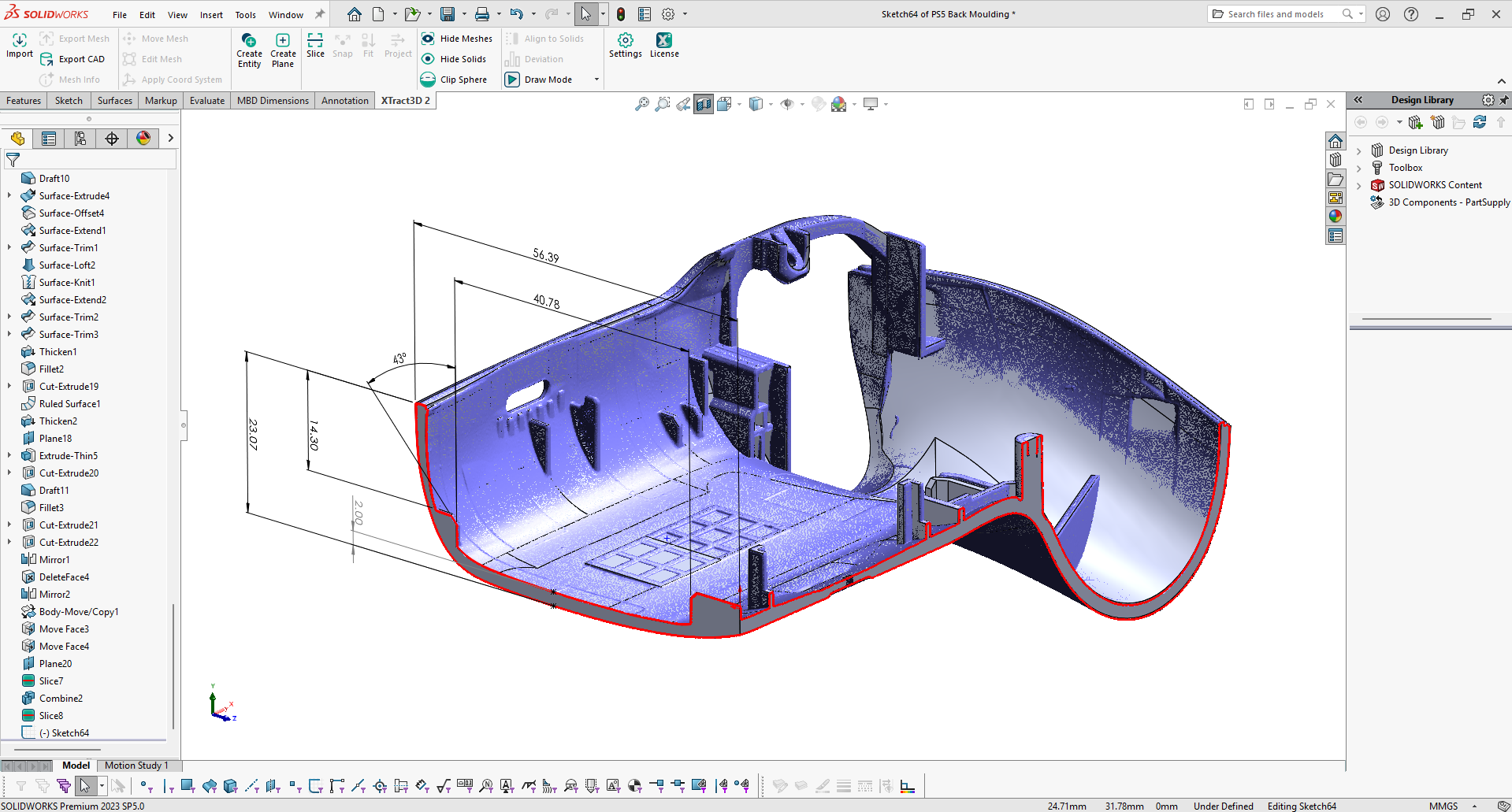
Xtract3D 2 handles massive point clouds and meshes, works smoothly in parts & assemblies, and adds smarter slicing, alignment, and analysis tools - so you can go from scan to CAD faster with fewer compromises.
Complete re-build for stability and speed. Meshes behave more like native SOLIDWORKS entities with planar Section Views, undo/redo, and Configuration-based suppression support.
Scan data is stored as an external linked file alongside your part or assembly for fast loading and saving of huge datasets. Be limited by your hardware, not SOLIDWORKS file formats.
Easily manage slices - they're stored in the feature tree. Edit them just like meshes, with selection tools, decimation, and more, allowing for more control over your data. Plus, get blazing fast slicing on point clouds using GPU acceleration.
Adaptive Rendering keeps huge point clouds responsive with without destroying your data. We also added more shader controls across the plugin, so you can see your data your way.
Assemblies have been completely overhauled with performance improvements and bug fixes - No more ghost point clouds, no more subassembly issues, and no more losing the alignment of your data.
Get color-mapped deviation against selected SOLIDWORKS geometry with stats, manual controls, callouts, and HTML report generation + direct PBN export for easy sharing.
Quickly build pipes in just a few clicks from your scan data with our new cylindrical pipe tools. Build pipes in just seconds instead of tens of minutes.
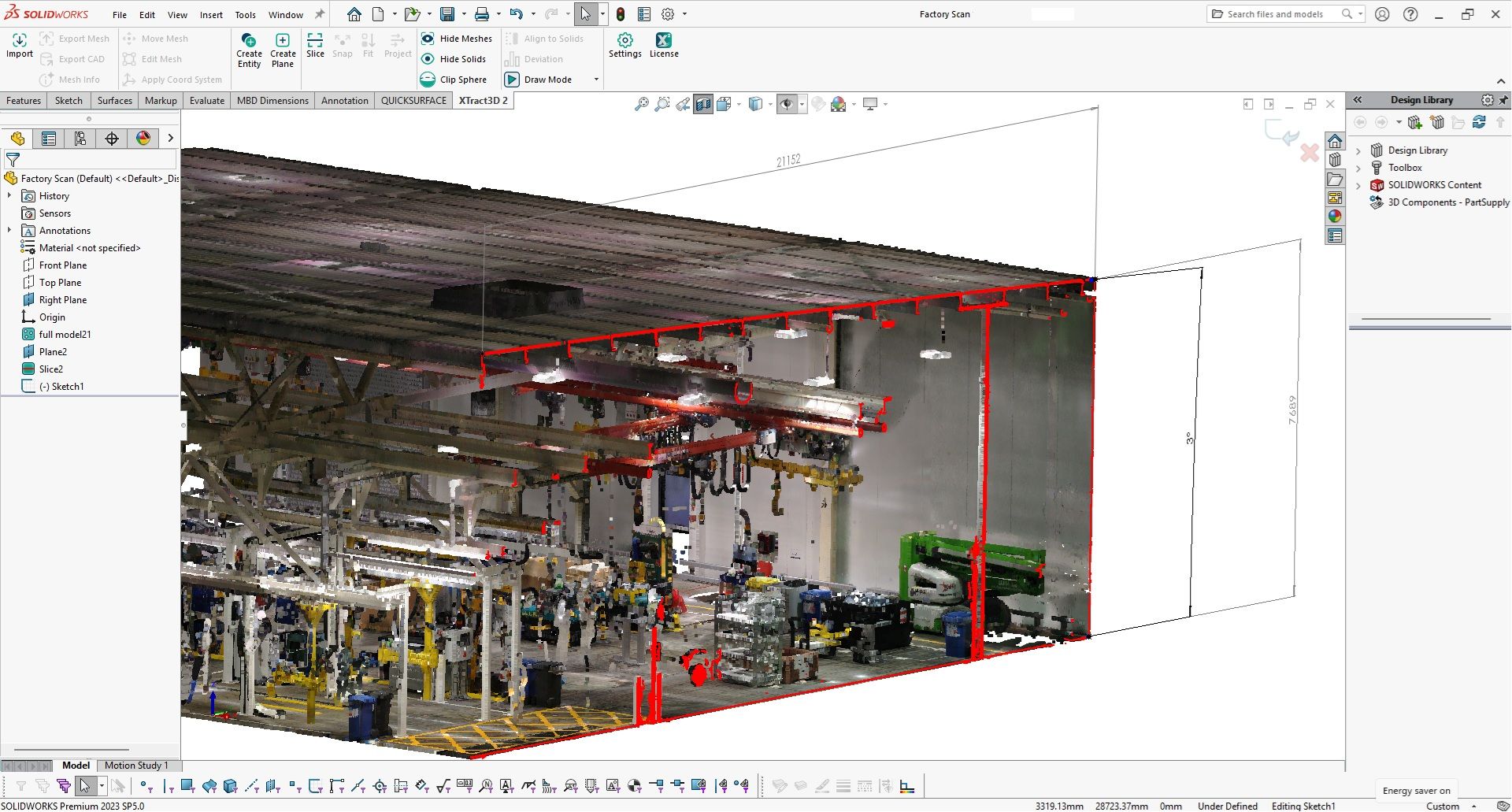
Gain valuable insights into your scan data using the new Measurements tool. Measure parts of your scan and get point-point distances, line and multiline lengths, or estimated cylinder radii.
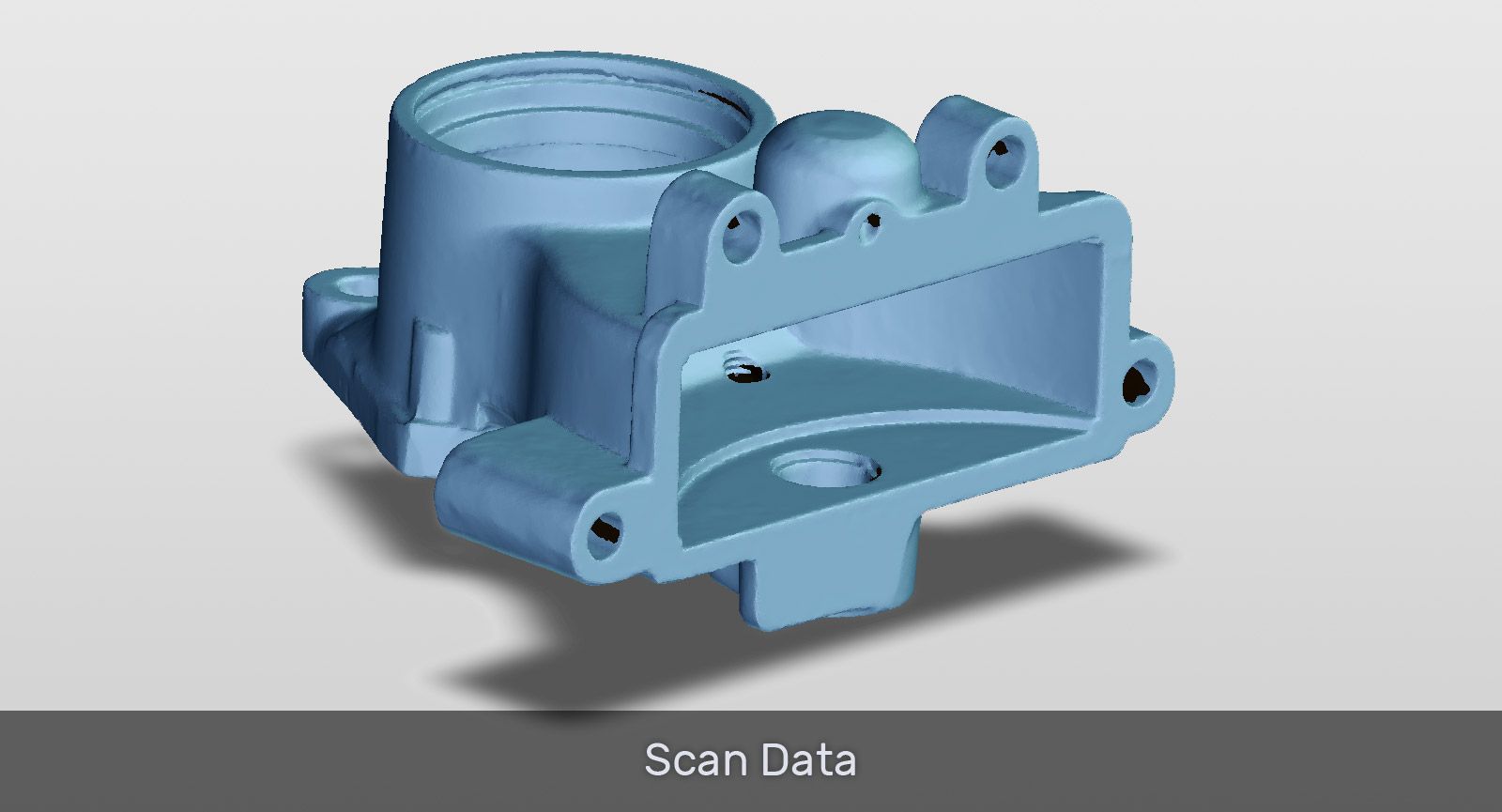
Xtract3D 2 is a toolbar that works natively inside SOLIDWORKS. Import your 3D mesh data output from a 3D scanner and get straight to work with little or no training. Xtract3D 2 works seamlessly with SOLIDWORKS to enhance its sketching tools.
Xtract3D 2 tools behave like they've always been a part of SOLIDWORKS. With all the tools you need for CAD modeling in one place, it makes work more productive.
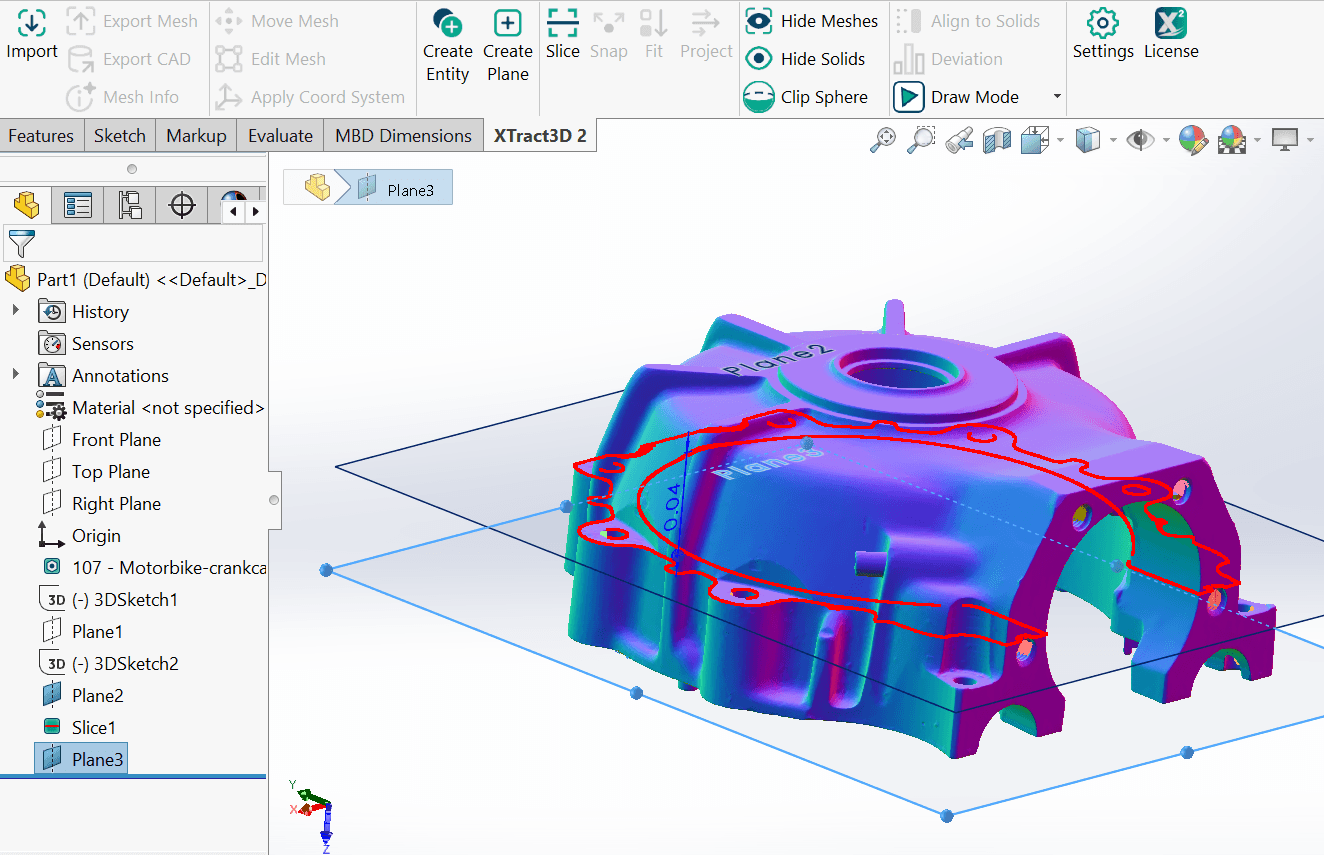
Use dense scan data as a visual guide for sketching CAD models in SOLIDWORKS with no lagging issues. Xtract3D 2 lets you build solid features quickly and easily for a smooth, uninterrupted experience. Xtract3D 2 was built specifically to handle a variety of reverse engineering and design projects, from simple 2D sketches to complex 3D surfaces.
Load, view, and process hundreds of millions of points directly in SOLIDWORKS - no rendering lag, no forced decimation, no data loss. Xtract3D 2 also removes the 2 GB data size limit that holds back other plugins: It saves scan data to a linked file next to your part or assembly, letting you load, wrangle, and save vast datasets without losing detail or bloating your SOLIDWORKS files.
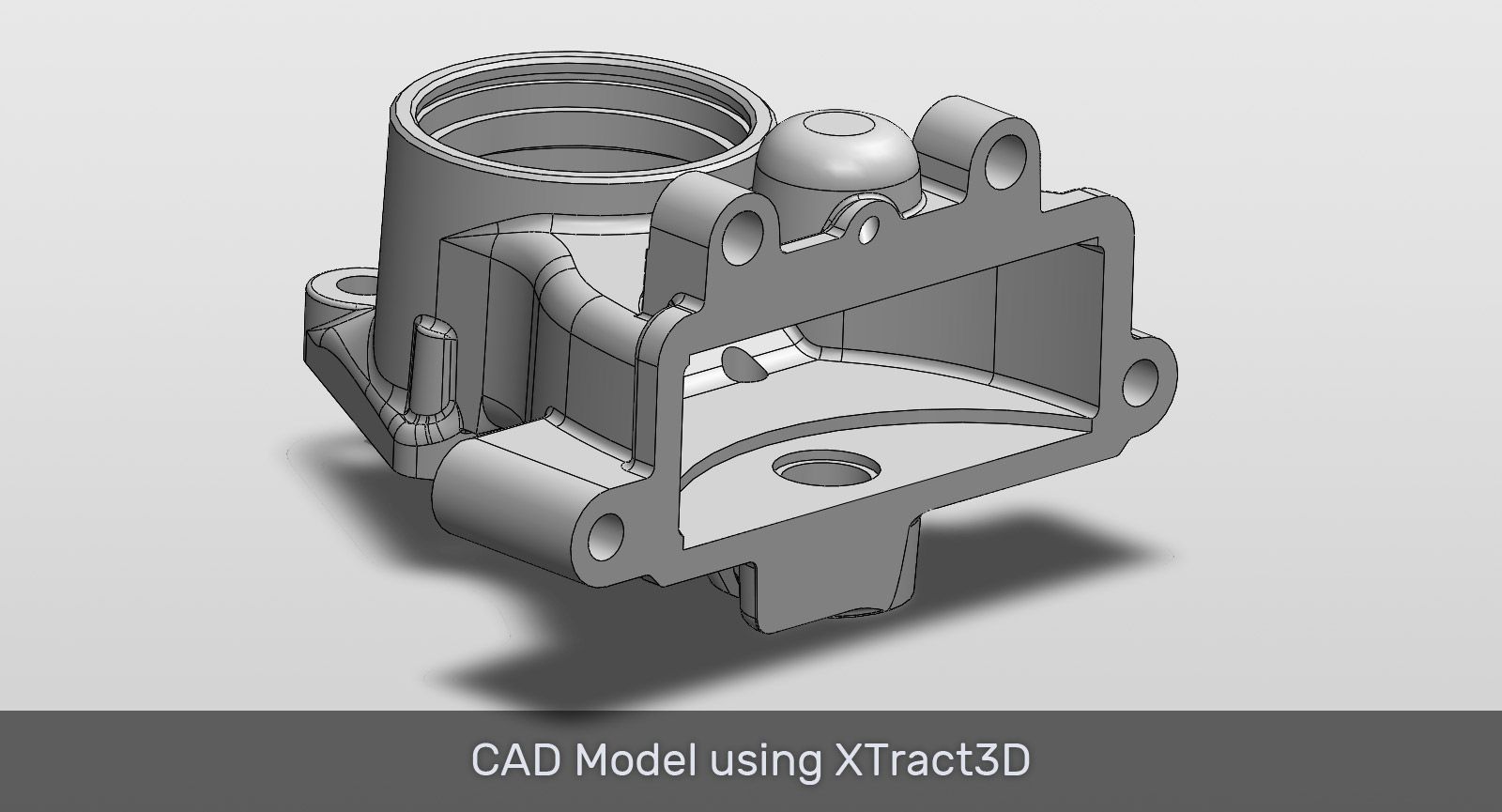
Xtract3D 2 is a SOLIDWORKS add-in that works with SOLIDWORKS 2022 and later versions.
Windows 10 or later
SolidWorks 2022 or later
Everything you need to turn scan data into useful SOLIDWORKS geometry, without leaving your design workflow.
Open common mesh and point cloud files directly in SOLIDWORKS and start building from real-world scan data.
Handle detailed scans smoothly, even on larger parts and assemblies, while keeping your SOLIDWORKS files manageable.
Use slices, snap tools, fitting tools, and guided sketching to build accurate CAD from scan references faster.
Line up scan data with CAD geometry, check deviations, and see where a part matches or needs adjustment.
Quickly measure scan data and create pipe geometry for common reverse engineering and inspection tasks.
Open linked scan data in PointKit when you need additional cleanup, editing, or scan preparation tools.